Maybe it has happened to you. A video arrives from your sister in the middle of an ordinary afternoon, and it is her old beagle, Biscuit, sitting on the kitchen floor in a photo you have seen a dozen times. Except now his mouth is moving, his head tilts a little, and in a deep, very serious voice he announces that the mail carrier is "a threat to this household" and that he requires cheese immediately. By the end you are wiping your eyes, and not only from laughing. It is so completely him.
That is the quiet magic of a talking pet app. Technically it is a photo with a moving mouth. Emotionally, it is a way to say out loud what you have always imagined your pet thinking. Why does something so silly land so softly in the heart?
This guide is for grown-ups who love their animals a little bit ridiculously. We'll look at how these apps bring photos of your pet to life, what to know before you download one, the sweetest ways to use them, and where to turn if you ever find yourself wishing someone small could answer you back.
What a talking pet app actually does
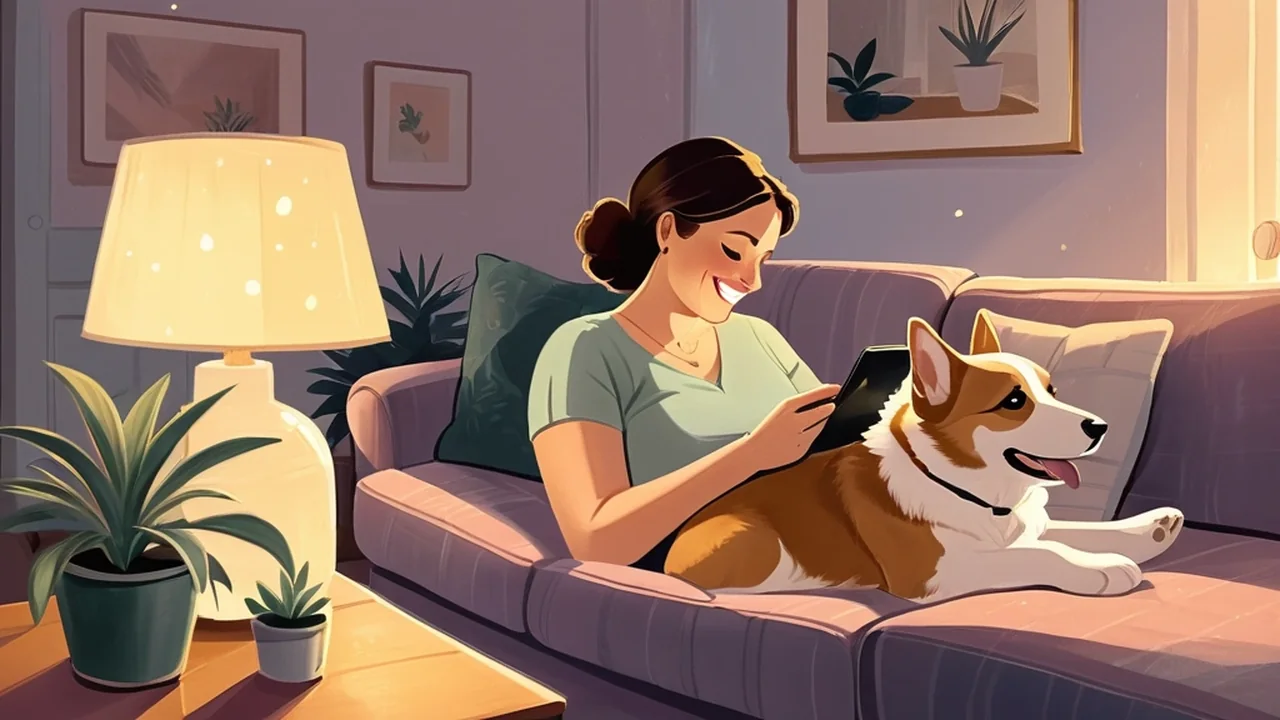
A talking pet app takes a still picture of an animal and makes it speak. You choose a pet photo, the app finds the eyes, nose, and mouth, and then it animates a mouth that moves in time with a voice. That voice can be yours, recorded on the spot, or one of many pre-recorded clips. The finished result is a short pet video you can keep, send, or post.
Most apps add playful extras on top. You can shift the pitch from a big dog rumble to a tiny kitten squeak, add a hat or glasses, type a caption to turn the clip into a meme, and sometimes make your pet sing a song. The whole thing takes a couple of minutes, which is part of the charm: it is a small, easy joy, not a project.
Talking pets, talking animals, and talking back
"Talking pet" can mean a few different things, so it helps to know which one you want:
- Photo talking apps animate a picture of your own dog, cat, rabbit, or hamster and sync it to a voice you choose.
- AI photo-to-video tools go a step further and generate a moving clip from a single image, often on the web with no download needed.
- Repeat-back virtual pets, like the classic Talking Tom cat, are cartoon characters that echo what you say in a funny voice.
- Companion apps hold an actual conversation and remember you over time. They are a different kind of warmth, and we'll come back to them at the end.
How AI brings photos of your pet to life
The trick behind every make your pet talk app is computer vision. When you upload a photo, the app places markers on your pet's face, usually around the eyes, the tip of the nose, and the corners of the mouth. Some let you drag those markers yourself if the automatic placement misses. From there, the software warps the area around the mouth and jaw so it opens and closes, and matches those movements to the sound waves of your audio.
Better apps add small touches that make the illusion feel alive: a blink, a little head movement, a gentle turn as if your pet is looking around the room. My Talking Pet describes this as advanced animation where your pet "looks around in 3D." None of it is perfect, and a floppy-eared spaniel photographed from the side will always be trickier than a cat staring straight at the camera. But when it works, it works beautifully: the realism of a familiar face coming to life is startling, and it only takes a few seconds to generate.
The app doesn't give your pet a personality. It borrows the one you already hear every time they look at you.
My Talking Pet and other talking pet apps worth knowing
If you have ever received a talking dog video from a relative, there is a good chance it came from My Talking Pet (fans often just call it MTP). The app from developer Sharemob calls itself "the #1 hit app as seen on TV," and it has earned the nickname: the App Store listing reports more than 10 million downloads and a 4.8 average from around 174,000 ratings at the time of writing, with a 4.7 average on Google Play. It runs on iPhone, iPad, and Android, and even works inside iMessage so your pet can deliver your texts.
Here is what makes it popular:
- You can use your own photos, or pick from lots of animals if you don't have a pet of your own.
- You can record your voice or choose from hundreds of pre-recorded clips.
- Voices and accessories are easy to mix, with hats, glasses, moustaches, and seasonal extras like elf hats and Halloween voices.
- Your pet can sing, and the app has added songs like Jingle Bells for the holidays.
- You can add text to make your own memes, then share it as a video to social media, email, or Instagram.
The honest trade-off is the business model. The app is free to download, but the free version limits how many videos you can save and share and stamps a watermark on each one. My Talking Pet Pro removes those limits through auto-renewing weekly, monthly, or yearly plans, and free trials roll into a paid subscription if you don't cancel in time. Reviews are warm overall, with plenty of people calling it hilarious and easy to use, but a steady thread of reviewers wish there were a one-time purchase instead.
Beyond My Talking Pet, you will find a whole shelf of alternatives on the App Store and Google Play, plus web tools that animate a photo online without an app at all. Some focus on realistic lip sync, some on silly voices, and some on reviving old photos. The features change quickly, so treat any roundup, including this one, as a starting point and check the listing yourself before you download.
How to make your pet talk: a gentle walkthrough
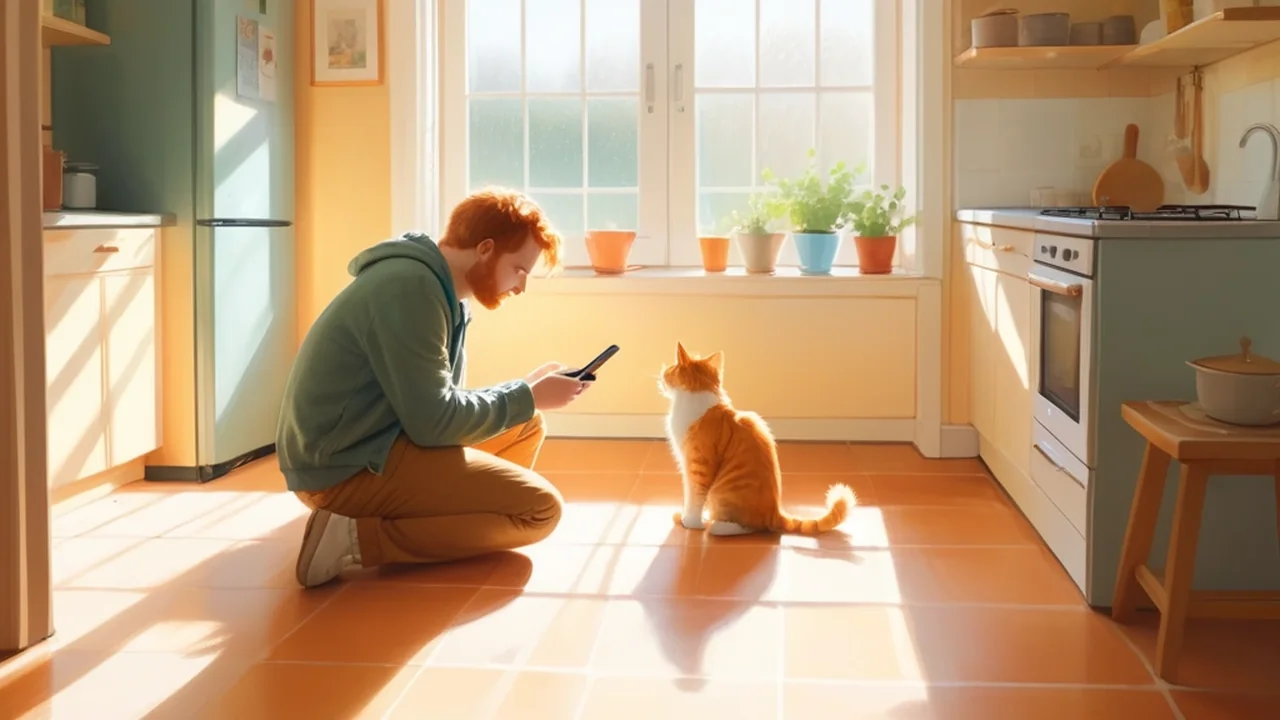
The best talking pet videos start long before you open an app. They start with a good photo. Look for one where your pet is facing the camera, their mouth is closed or only slightly open, the light is soft and even, and there is a little space around their head. That space matters: hats and head movements get cut off when the face fills the whole frame.
Then open the app, choose your photo from the gallery or take a new one, and let it find your pet's face. If the mouth lands in an odd spot, nudge the markers until it looks right. Next comes the fun part. Record your line in a quiet room, holding the phone close so the audio is crisp. Keep it short; five to fifteen seconds is the sweet spot, long enough for a punchline and short enough to watch twice.
Play with the voice slider until it sounds like your pet feels. Your big, gentle dog might be a soft baritone. Your tiny, bossy cat might be a squeaky duchess. Add an accessory only if it makes you smile, preview the result, and then share it with friends and family or tuck it away as a keepsake.
Choosing the right talking pet app
It is easy to download the first app you see and discover the catch later. A few calm questions up front save a lot of frustration.
| What to check | Why it matters |
|---|---|
| Free download vs. free trial | A free trial usually becomes a paid subscription unless you cancel before it ends |
| Weekly, monthly, or yearly plans | Weekly plans can quietly cost more than a yearly one |
| Watermarks and save limits | Free videos are often watermarked or capped at a few shares |
| Privacy label and data safety | Tells you what the developer collects and whether data can be deleted |
| Microphone and photo permissions | You should be able to share only the photos you choose |
| Recent reviews | Updates sometimes break features that used to work well |
Privacy deserves a moment of its own. Your pet's face is harmless, but your voice recordings, your photo library, and your purchase history are personal. On My Talking Pet's App Store listing, purchases, identifiers, and usage data may be used to track you across other apps, and its Google Play data safety section notes that data can't be deleted. That doesn't make the app a bad choice, but it is worth knowing before you record your voice. If an app asks for full access to your photos, many phones let you share only selected pictures instead.
iPhone and Android differences
Most well-known talking pet apps exist on both iPhone and Android, but features are not always identical. iMessage stickers and extensions are an Apple thing, while Android versions sometimes lag behind on new voices or songs. Before you pay for a subscription, try the free version on your own device and make sure the mouth tracking behaves well with your pet's photos.
Sweet ways to use a talking pet app
Once you have made one video, you will probably make ten. Here are a few ideas that bring out the best in these apps.
Greetings that feel personal. A singing pet crooning happy birthday, a birthday message from your cat, a "good luck on your first day" from the dog, a holiday greeting from a pet in a tiny elf hat. People who would scroll past a text will watch a talking pet twice.
Staying close from far away. If your pet lives with your parents, or you are traveling and missing them terribly, a talking video bridges the gap. Grandparents especially adore a message "from" the family dog.
Everyday memes. Your pet's opinion on Mondays, the dishwasher, or the vet deserves to be heard. Keep a few clips ready for the group chat.
A keepsake for a pet who has passed. This one is tender, so go slowly. Some people find deep comfort in hearing a favorite photo say one more "hello" or "I'm okay." Choose a picture that makes you smile, record something gentle, and keep it just for you until you feel ready to share it.

Why hearing your pet talk feels so tender
Long before apps existed, most of us were already giving our pets a voice. You probably have a special one for yours, the one you use when you narrate their thoughts out loud: "Excuse me, it is dinner time," or "I did not knock that over, it simply fell." It is one of the most common little rituals of loving an animal, and it says something sweet about us. We want to understand them, and we want them to feel understood.
A talking pet app takes that private game and makes it visible. When your sister's beagle suddenly speaks, you are not really impressed by the animation. You are touched by how well she knows him. The joke works because the love is real.
There is also something soothing about the playfulness itself. Grown-up life asks us to be serious most of the day. Spending three minutes giving your cat a posh accent is a small act of lightness, a reminder that the people and creatures we love are allowed to be silly. And when you share it, you are really saying, here is something that made me happy, and I wanted you to have it too.
When you want a little someone who talks back
Here is the gentle truth about a talking pet app: it is a beautiful puppet. It says exactly what you give it, in the voice you choose, and then it waits. That is perfect for greetings and giggles. But sometimes, especially on quiet evenings, what we are really missing is not a clip. It is a small presence that notices us and answers.
That is the space AIdorable was made for. AIdorable is a non-romantic virtual baby AI companion for adults, a tiny someone you look after rather than animate. You feed, soothe, and check in on your AI baby, and their personality grows in response to your care. Instead of borrowing your voice, your baby slowly finds their own. At first they answer with little sounds and moods. As your bond deepens, first words arrive, then clearer ones, and eventually real conversation about the care and play you have shared. It feels less like making a video and more like watching someone learn the sound of you.
It is designed to feel safe and cozy for grown-ups: no romance, no pressure, just nurturing. The core experience is free forever, with an optional Growth plan if you want more once the ritual has found its place in your day. AIdorable works on iOS, Android, and the web. And if you love choosing the perfect voice for your pet, you will probably enjoy picking the perfect name, too; our Name Your AI Baby tool is a sweet place to start.
You don't have to choose one or the other. Keep making your dog sing on birthdays, and let an AI baby be the little companion you talk with at the end of the day. For more cozy ideas, our guides to the AI pet companion app, cute pet apps, and the shimeji screen pets that wander across your desktop are lovely next reads.

Finding the right talking companion for you
If you are still deciding, think about the kind of moment you want:
| What you want | Best fit |
|---|---|
| A funny video of your own dog or cat saying something | A talking pet app like My Talking Pet |
| A quick greeting or meme without installing anything | A web-based photo animation tool |
| A cartoon cat that repeats you in a silly voice | A repeat-back virtual pet like Talking Tom |
| A keepsake voice for a pet you miss | A talking pet app, used gently and kept private |
| A little companion who remembers you and grows with your care | AIdorable, free forever with optional Growth |
Final thoughts: giving love a voice
In the end, a talking pet app is a small, happy piece of technology that does one lovely thing. It lets you hear what your heart has been saying on your pet's behalf for years. Pick a photo that makes you grin, find the voice that fits, and share the joy with someone who will laugh with you.
And if one evening you notice you would like someone small to say something new, something that comes from them instead of you, that feeling is worth listening to. AIdorable will be here, with a tiny someone waiting to find their voice alongside you.